
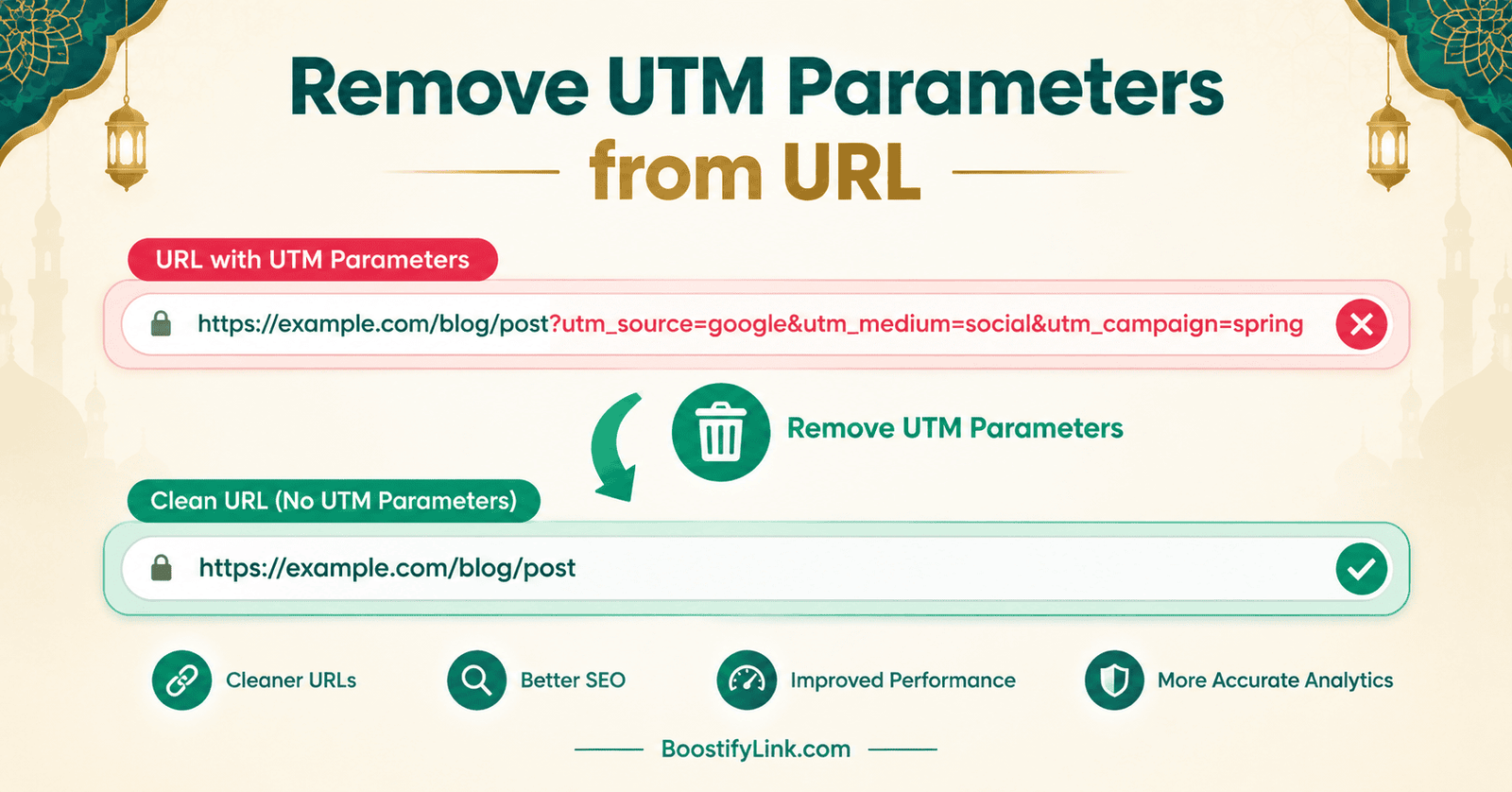
If you have ever copied a link from a marketing email, a Facebook ad, or a newsletter, you have probably noticed it looks like this:
https://example.com/blog/best-shoes/?utm_source=newsletter&utm_medium=email&utm_campaign=spring2026
That long, messy tail after the question mark is a UTM parameter string, and it is one of the most common reasons a clean-looking link turns into something nobody wants to paste into a chat, a document, or a comment section. If you want to remove UTM parameters from URL text without breaking the page it points to, this guide walks through the safe way to do it, when you should not remove them, and the timing mistake that quietly breaks people’s Google Analytics reports.
What Is a UTM Parameter, Exactly?
UTM stands for Urchin Tracking Module — a naming convention that survived long after the original Urchin analytics company was acquired by Google. A UTM parameter is a small piece of text appended to a URL Parser Online so an analytics platform (Google Analytics, GA4, Matomo, Mixpanel, and others) can identify where a visit came from.
The five parameters you will run into almost everywhere are:
- utm_source – where the traffic originated (e.g.,
newsletter,facebook,google) - utm_medium – the marketing channel (e.g.,
email,cpc,social) - utm_campaign – the name of the specific campaign (e.g.,
spring2026) - utm_term – usually a paid-search keyword
- utm_content – used to A/B test different links or ads pointing to the same page
None of these five values change what page loads. They exist purely so a dashboard somewhere can tell a marketer, “this visit came from the spring email, not the Facebook ad.” Understanding these five values is the first step before you remove UTM parameters from URL text you plan to share.
Why UTM-Tagged Links Cause Problems
A UTM-tagged link causes friction in a few very specific situations, which is exactly why so many people search for how to remove UTM parameters from URL links before sharing them:
- Sharing – When someone forwards a UTM-tagged link, the new visitor gets counted under the original campaign, which quietly pollutes your attribution data.
- Readability – A URL with 150+ characters of tracking gibberish looks unprofessional in documentation, resumes, or printed material.
- Privacy – A tagged URL can reveal which campaign, ad, or list someone clicked from, which some users would rather not expose when re-sharing a link.
- SEO hygiene – Search engines can occasionally index a UTM-tagged version of a page as a separate URL, creating duplicate-content noise if canonical tags aren’t set correctly.
How to Remove UTM Parameters from URL Safely
The safe process is the same whether you do it manually or with a URL-cleaning tool:
- Locate the query string — everything after the
?in the URL. - Split it into individual parameters — each one separated by
&. - Remove only the parameters that begin with
utm_(or the specific click IDs you want gone, such asgclidorfbclid). - Leave everything else untouched — anything that controls what the page actually shows.
- Test the cleaned link to confirm it still opens the same page and content.
Example
Before: https://example.com/product?id=42&utm_source=facebook&utm_medium=social&utm_campaign=launch
After: https://example.com/product?id=42
This is what it looks like in practice when you remove UTM parameters from URL text while keeping functional parameters intact. Notice that id=42 survives the cleanup. That parameter tells the page which product to display — remove it and the link breaks or lands on the wrong item. This is the single most common mistake in UTM cleanup: treating every query parameter as tracking junk when only some of them are.
UTM Parameters vs. Functional Parameters
Before you remove UTM parameters from URL text, it helps to know exactly which parameters are safe to delete and which ones the page actually needs.
| UTM / Tracking Parameter | Functional Parameter | |
|---|---|---|
| Purpose | Campaign attribution | Page behavior or content |
| Example | utm_campaign=launch |
id=42, lang=en, page=3 |
| Who reads it | Analytics tools | The website itself |
| Safe to delete? | Usually yes | Only after confirming the page doesn’t need it |
| Changes the page? | No | Often yes |
If you’re unsure whether a parameter is safe to remove, load the URL both with and without it and compare the results. If the page looks identical, it was tracking. If something is missing or the page errors out, it was functional.
The Timing Mistake Almost Nobody Talks About
Here’s the part most quick tutorials skip: when you remove a UTM parameter matters as much as how.
If you strip UTM tags from a URL before your analytics script has a chance to read them — for example, by rewriting the URL the instant the page loads — you can accidentally erase the very attribution data those parameters existed to capture. Google Analytics and GA4 read utm_ values from the page’s URL when a pageview event fires. If a script rewrites the address bar milliseconds too early, the event can fire with a “clean” URL that no longer tells GA4 anything about where the visitor came from, and that traffic often gets reclassified as “Direct” in your reports. This is why timing matters just as much as knowing how to remove UTM parameters from URL text in the first place.
The safe pattern, if you’re cleaning URLs at the site level (rather than just sharing a link), is:
- Let the analytics pageview event fire first.
- Only then rewrite the visible URL using something like the History API (
history.replaceState), so the browser’s address bar goes clean after tracking has already logged the visit.
If you’re simply cleaning a URL to paste it into a document or a chat, none of this applies — you’re not affecting any live analytics session, so it’s safe to strip the tags immediately.
When You Should Keep UTM Parameters
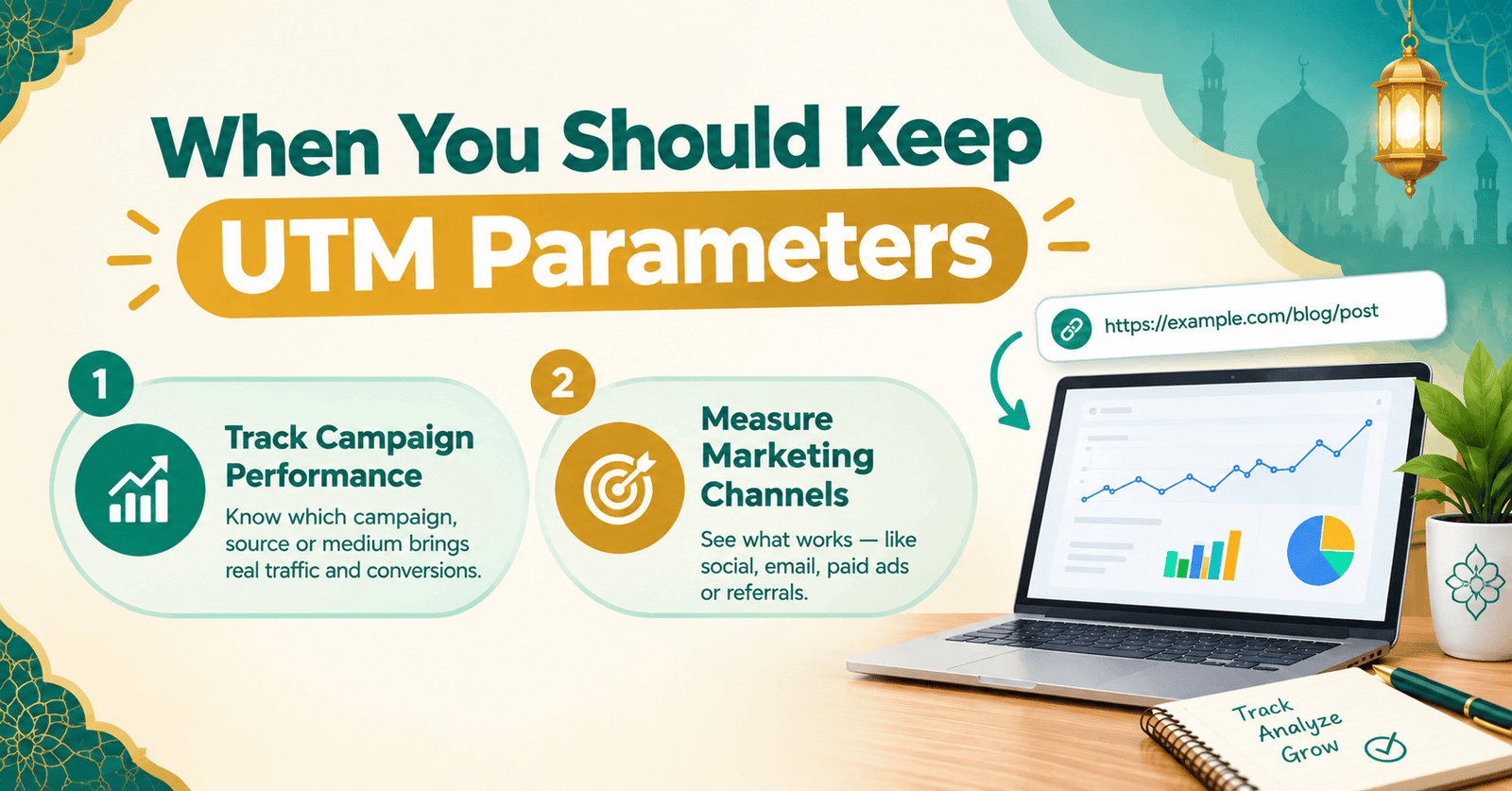
Don’t remove UTM parameters from URL links by default — keep the tags when:
- The campaign is still active and you need accurate source/medium/campaign reporting.
- The link is going into an email platform, ad network, or affiliate program that relies on those tags.
- You’re building reports that compare campaign performance over time — removing tags retroactively makes historical data inconsistent.
Strip them when:
- You’re sharing a link publicly and don’t want to reveal which campaign or list it came from.
- You’re saving a reference link in documentation, a wiki, or a knowledge base.
- You’re doing a competitor or content audit and want to see a page’s real URL structure without campaign clutter.
- You’re archiving or bookmarking a page for long-term use, where campaign attribution is irrelevant.
Preventing UTM Clutter in the First Place
A lot of cleanup work exists only because tagging was inconsistent to begin with — the more consistent your tagging, the less often you’ll need to remove UTM parameters from URL links later. A few habits cut down on how often you need to strip parameters later:
- Standardize naming — always lowercase, always the same word order (
utm_source,utm_medium,utm_campaign), so tools and dashboards don’t splitNewsletterandnewsletterinto two different rows. - Use a UTM builder for anyone creating campaign links, instead of hand-typing tags.
- Audit periodically — export a sample of live URLs every quarter and check for typos, duplicate tags, or leftover test campaigns.
- Keep a shared naming glossary so different team members don’t invent their own source/medium conventions.
Does It Help SEO When You Remove UTM Parameters from URL Links?
Only indirectly. Removing UTM tags doesn’t make a page rank higher — search engines already understand that example.com/page?utm_source=x and example.com/page are the same content, especially when the canonical tag is set correctly. What UTM cleanup does help with is:
- Avoiding accidental duplicate-content signals when canonical tags are missing or misconfigured.
- Keeping internal links and sitemaps free of tracking clutter, which makes crawl and log-file analysis easier to read.
- Presenting cleaner URLs in places like guest posts, backlinks, or citations, which looks more trustworthy to both users and search engines.
If your canonicalization is already set up correctly, UTM tags on inbound links won’t hurt your rankings. Cleaning them is about tidiness, privacy, and reporting accuracy — not a ranking factor on its own.
Frequently Asked Questions
When You Should Keep UTM Parameters Examples
Keep UTM parameters when a campaign is active and you need accurate source, medium, and campaign tracking. They are also useful for emails, ads, affiliate links, and campaign reports.
When You Should Keep UTM Parameters Interview Questions
You should keep UTM parameters when they are needed for campaign attribution, marketing reports, or tracking traffic sources. Remove them only when campaign tracking is no longer relevant.
UTM Parameters Example
An example is https://example.com/page?utm_source=facebook&utm_medium=social&utm_campaign=launch. These parameters help analytics tools identify where the visitor came from.
UTM Meaning Marketing
UTM means Urchin Tracking Module and is used to track marketing traffic. Parameters such as utm_source, utm_medium, and utm_campaign help measure campaign performance.
How to Use UTM Parameters
Add UTM parameters to a URL to identify the traffic source, medium, campaign, or content. Analytics tools can then use this information to measure marketing performance.
UTM Builder
A UTM builder creates properly formatted tracking URLs without requiring you to add each parameter manually. It helps maintain consistent campaign naming and tracking.
List of UTM Parameters
The five common UTM parameters are utm_source, utm_medium, utm_campaign, utm_term, and utm_content. Each helps identify different details about marketing traffic.
What Are the Four UTM Tracking Parameters
Four commonly used UTM parameters are utm_source, utm_medium, utm_campaign, and utm_content. They identify the traffic source, channel, campaign, and specific link or ad.
Final Thoughts
Knowing when and how to remove UTM parameters from URL text protects two things at once: a clean, shareable link for your audience, and accurate campaign data for you. Do it by hand for a one-off link, or run a batch through a dedicated cleaner when you’re processing a whole list — either way, the rule stays the same: strip the tracking, keep the function, and check the link still works before you share it. Whenever you need to remove UTM parameters from URL text quickly and safely, a purpose-built cleaner saves you from doing it by hand every time.