
Typically, search engines find pages by following links, but not all URLs are equally “discoverable. An XML sitemap provides a separate, organized list of the pages you want crawlers to know about.
This Sitemap Generator takes your website’s URLs and converts them into a well-structured XML file. Insert all of the URLs, create the sitemap, review the output, and save the file as sitemap.xml. No need to manually create XML markup.
What is an XML Sitemap?

Consider an XML sitemap as a directory you make for search engines. It includes useful URLs on your site that can be crawled.
A sitemap can be very helpful for a new site, a site with many pages, a site with new content added regularly, or pages that are not readily accessible via internal site links.
The big difference is that just appearing in a sitemap doesn’t mean they’ll be indexed or ranked higher. The sitemap aids in URL discovery. Search engines still determine which pages to crawl, index, and rank.
So what can you do with this Sitemap Generator?
You can choose which pages to include in the sitemap, and the tool formats the XML. It can be used to:
- Convert a List of website URLs to sitemap.xml
- Generate a sitemap.xml file (without manual coding)
- Ensure that the important pages are organized in a way that is easily findable by the crawler.
- Check the URLs in the sitemap before adding it to your site.
- Generate a Sitemap for the Webmaster Platforms
It is helpful for blogs, business websites, portfolios, service websites, online stores, and other sites where manually tracking indexable URLs is inconvenient.
How to make a Sitemap.xml file
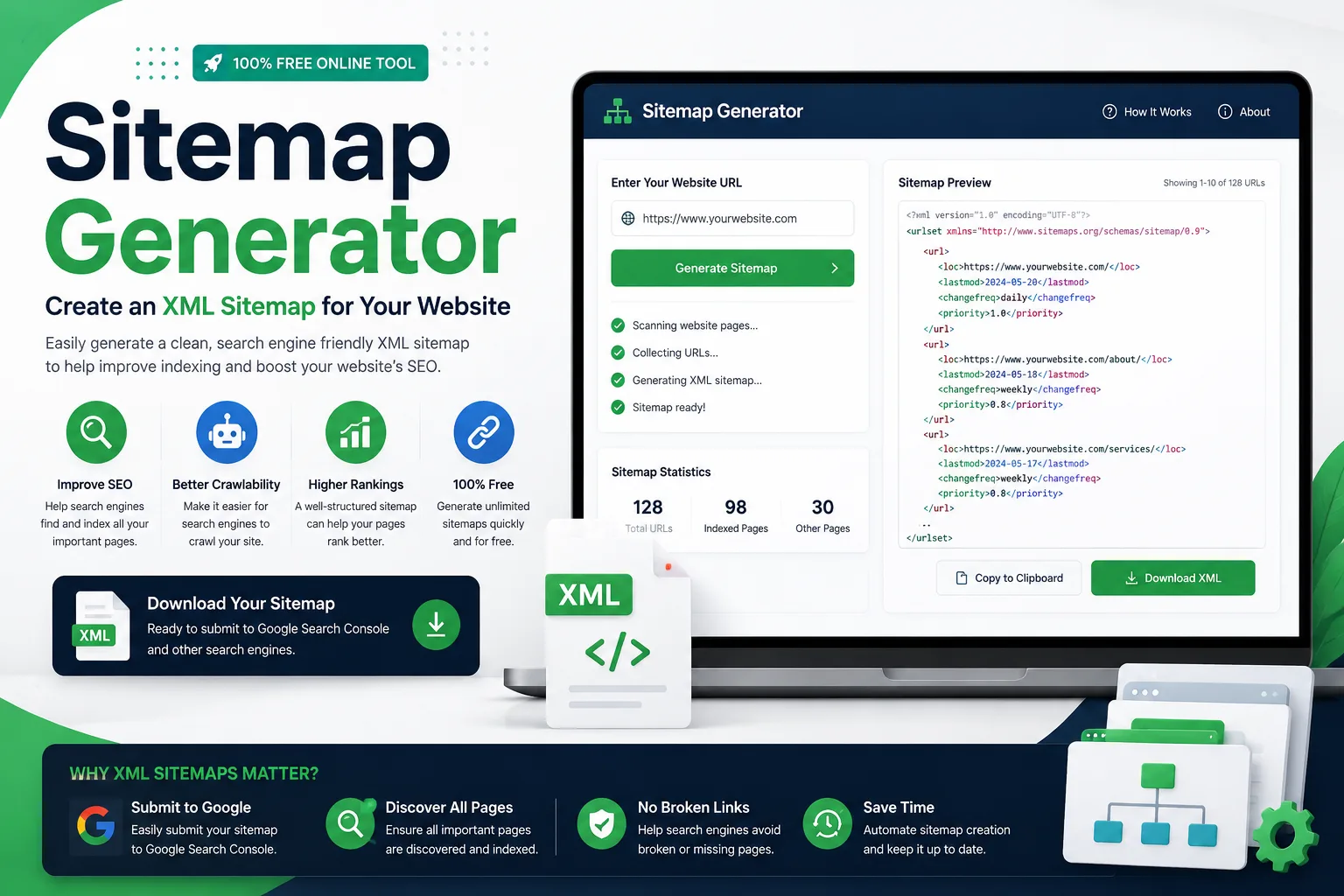
Begin by adding the URLs you wish to be included. Use the canonical version of each page – don’t create multiple versions of the same URL.
Create the sitemap and review the XML output before using it. After making sure everything is right, save the file as:
sitemap.xml
For a typical website-wide sitemap, it is typically located at the base of the domain:
https://example.com/sitemap.xml
Once the file is on the web and available for all to view, you can share its URL via Google Search Console or Webmaster Tools, or through any other search engine.
What Should You Include in Your Sitemap?
A good sitemap does not mean that the more URLs you include, the better. The aim is to get a clean list of pages, that is, filled with pages that count.
Typical candidates are your homepage, published articles, service pages, product pages, useful category pages, and other “canonical URLs” that you want to be available for search.
Think before you enter a URL:
Would I want my page to be indexed by search engines?
If it is no, it likely does not need to be included in the sitemap.
The following are URLs that you might want to avoid including.
When a sitemap is populated with URLs that don’t offer much value to search engines, it can get cluttered.
Look through the list for:
- Redirecting URLs
- 404 or other error pages
- Duplicate URL variations
- Pages marked noindex
- Private or account pages
- Use test and testing URLs.
- Internal search-result pages
- When a URL redirects to another URL.
These are excluded to ensure that the sitemap reflects the website’s indexed structure.
The sitemap.xml and robots.txt files are not identical.
Both files are frequently referenced together, but they serve different functions.
A sitemap.xml file tells search engines what URL(s) you want to find. The robots.txt file contains information about the places where bots are allowed or disallowed.
That is, one is used for discovery, and the other is mainly used for instructions and access via the crawler.
A Quick Check Before You Submit the Sitemap
Creating the XML is just the first step. Take a minute to review the URLs before posting it.
Check that the preferred HTTPS versions are currently used, that obsolete URLs are no longer in the list, that unnecessary redirects are not performed on pages, and that no development or private URLs have ever appeared in the list.
If your website goes down regularly, it is also important to keep the sitemap up to date as pages are created, removed, or moved.
Frequently Asked Questions
A Sitemap Generator is a program that generates XML sitemap markup from website URLs. The file provides search engines with an organized list of pages that can be discovered and crawled.
It can help with technical SEO and aid search engines in finding the URL. Just creating a page in a sitemap can’t ensure it will be added to the index or rank higher.
The most common filename for a website’s primary XML sitemap is sitemap.xml.
The most common place to store a site-wide sitemap is the website’s root directory (e.g., https://example.com/sitemap.xml).
Yes. If the XML sitemap is up and running on your domain, you can submit it via Google Search Console in the Sitemaps section.
Keep Your Sitemap Focused
It is not a useful sitemap, even though it has the most URLs. It’s the one that correctly reflects the pages you would like search engines to find.
Use the Sitemap Generator to establish the XML construction, scrutinize the URLs meticulously, and keep it in sync with your site as it evolves.