
Free Online Character Counter Tool
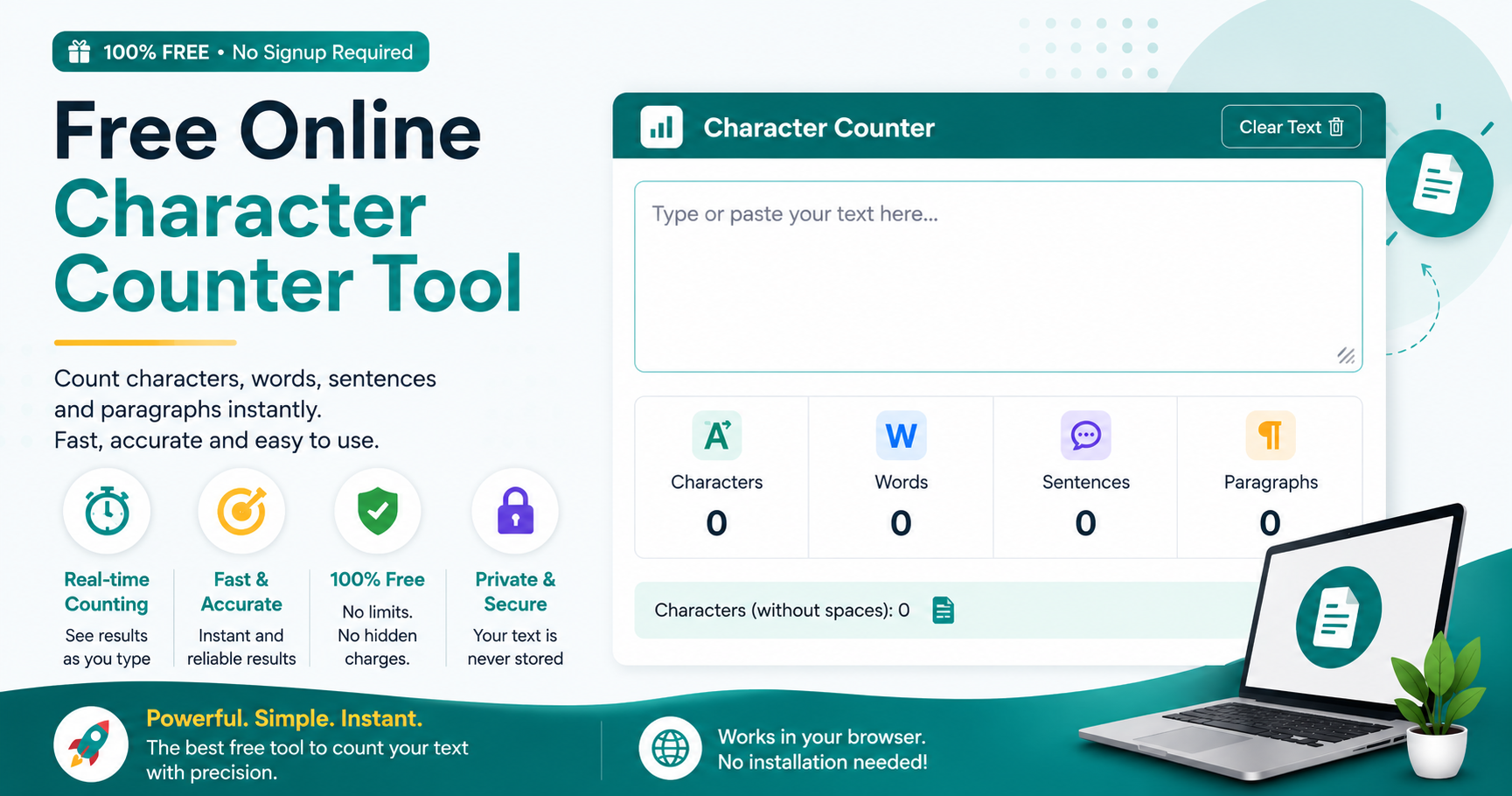
If you’ve ever pasted a caption into Instagram only to get an error about exceeding the limit, you know how annoying manual counting can be. That’s the whole point of this free online character counter tool — type or paste your text, and it counts characters, words, letters, sentences, and paragraphs as you go. No download. No signup. No hidden catch where it asks for payment after your third use. It just works, right in your browser, every time you need it.
What exactly is a character counter?
At its core, it’s a tool that tells you how many characters — letters, numbers, symbols, spaces, all of it — are in a piece of text. That sounds basic, and it is, but the value comes from precision. A word counter can tell you “this is 40 words,” which doesn’t help much if a platform cuts you off at 150 characters. This free word and character counter gives you both numbers so you’re not left guessing which limit actually applies to you.
Why bother using ours instead of just counting manually?
A few reasons, honestly:
It updates live — no clicking a button, no refreshing the page
You can switch between counting with spaces and without spaces depending on what you need
Word count, sentence count, and paragraph count all show up together
Runs entirely in-browser, so there’s nothing to install
Free for students, writers, developers, marketers — anyone, really, with no usage cap
No account required, ever
Using it takes about ten seconds
Paste your text in. Watch the numbers update. Toggle spaces on or off if the platform you’re posting to requires it. Copy your text once it fits. That’s really the entire process — no tutorials needed.
A quick example, because numbers make more sense with context
Say you’re drafting this tweet:
“Just launched our brand new free online character counter tool — check it out and let us know what you think about the design and features!”
Run it through the counter and you’ll see it’s 147 characters. X’s limit is 280, so you’ve actually got 133 characters of breathing room left. That sounds like a lot until you add a link, tag someone, and throw in a hashtag or two — suddenly you’re a lot closer to the limit than you thought. This is exactly the kind of thing that’s easy to miscalculate by eye but takes two seconds to check with the tool.
There’s more to it than just a number
Beyond the basic count, you also get:
Character count both with and without spaces, since some platforms only count visible characters
Sentence and paragraph counts, handy if you’re structuring an essay or article
An estimated reading time (roughly 200 words per minute as the baseline)
Estimated speaking time too, which is genuinely useful if you’re scripting a video or a short speech
Emoji and symbol counts — these matter more than people realize since some platforms count emojis differently than plain text
None of this is complicated, but having it all in one place saves you from bouncing between five different tools.
Character counter vs. word counter — are they even different?
Yes, and it trips people up more than you’d expect. A word counter tells you how many words you’ve written. A character counter tells you the exact number of letters, numbers, spaces, and symbols. For general writing, word count is fine. But for anything with a strict limit — tweets, bios, text messages, meta tags — character count is what actually decides whether your text fits, because platforms cut off at a character limit, not a word count. That’s why this tool shows both instead of forcing you to pick one.
It actually matters for SEO too

If you write meta titles or descriptions for a living (or even occasionally), character count isn’t just a nice-to-have. Google typically truncates titles past ~60 characters and descriptions past ~160 characters, cutting them off with “…” in the search results. That truncation can genuinely hurt your click-through rate, since half your message gets chopped off right when someone’s deciding whether to click. Running your title and description through a counter before you publish is a five-second habit that avoids this entirely.
Does it work for languages other than English?
It does. Character counting is arguably more useful outside English — languages like Urdu, Arabic, Japanese, Korean, and Chinese often care about character-based limits more than word count, simply because of how those scripts work. Whether you’re writing in English or something else entirely, the count stays accurate, which matters a lot if you’re doing translation work or managing multilingual social accounts.
Character limits, platform by platform
Here’s a rundown of the limits people ask about most, along with what actually performs well versus what’s just technically allowed:
| Platform | Max Limit | What Actually Works Best |
|---|---|---|
| Twitter / X post | 280 characters | 71–100 characters tends to get more engagement |
| Instagram caption | 2,200 characters | Aim for 125–150 before the “more” cutoff hits |
| Instagram bio | 150 characters | Use as much of it as makes sense |
| Facebook post | 63,206 characters | Under 80 characters usually reaches further |
| YouTube description | 5,000 characters | Only the first 100–150 show before “Show more” |
| Google meta title | ~60 characters | 50–60 is the safe zone |
| Google meta description | ~160 characters | 120–158 characters |
| LinkedIn post | 3,000 characters | Keep it under 200 if you want feed visibility |
| SMS / text message | 160 characters | Stay under it or your message splits into parts |
| Reddit title | 300 characters | Under 100 reads better |
Limits referenced from X’s own character-counting guidelines.
Whatever platform you’re writing for, this doubles as a character counter for meta titles, social captions, or basically anything with a hard limit attached.
A few tips if you’re consistently running over
Cut filler words first — “very,” “just,” “really” rarely earn their place
Swap spelled-out numbers for numerals (“5” instead of “five”)
Look for shorter synonyms before you start cutting whole sentences
If something doesn’t fit, consider moving it to a comment or a linked page instead of forcing it in
Get in the habit of checking before you hit publish — most platforms won’t warn you, they’ll just cut you off
Who actually uses this kind of tool
Students trying not to blow past an essay’s word or character cap
SEO writers fine-tuning meta titles and descriptions
Social media managers making captions fit
Developers testing input field limits
Anyone tracking the length of what they’re writing, really
If you’re already thinking about SEO, it’s worth pairing this with a Keyword Density Checker so your content is both the right length and reasonably optimized.
Frequently Asked Questions
Q1: What is the best free online character counter tool?
This is the best free online character counter tool because it’s 100% free, requires no signup, and gives instant, accurate results with no download needed.
Q2: How does a character counter with spaces work?
Our tool counts characters both with spaces and without spaces, so you can switch instantly based on what your platform or form requires.
Q3: How can I count characters online?
You can count characters online instantly by simply pasting or typing your text into our free tool — no installation or account needed.
Q4: How do I check word count and character count together?
This tool shows both word count and character count together in real time, helping you track text length accurately as you write.