
If you’re new to SEO in 2025, you don’t need expensive software to start ranking. What you do need are the right tools — tools that actually give beginners clarity, direction, and real opportunities.
After working on dozens of new websites and low-authority projects, these are the free SEO tools that consistently deliver results, even with a zero budget.
These tools aren’t just popular — they’re the ones that genuinely help beginners understand data, fix problems, and find keywords they can rank for.
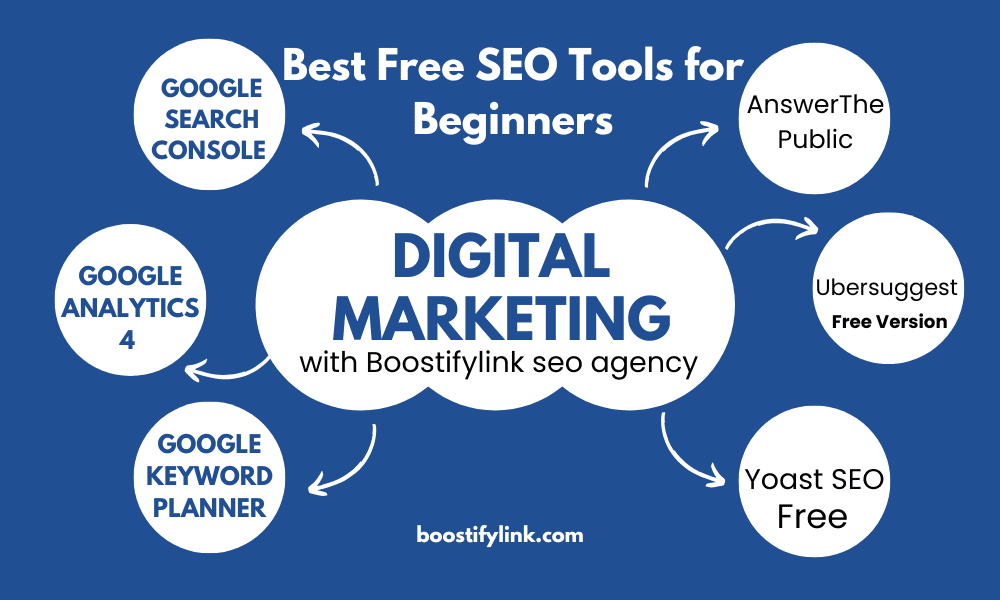
1. Google Search Console — Your Real SEO Performance Dashboard
Every strong SEO strategy starts here.
Search Console shows you how Google reads your website, which pages are indexed, and what people search for before finding you.
Why beginners rely on it:
Most new websites don’t know which keywords they’re already ranking for — some rank accidentally. Search Console reveals those early opportunities.
Use it like a pro:
-
Track rising keywords
-
Find pages losing impressions
-
Fix indexing mistakes
-
Improve click-through rates
-
Understand mobile performance
Think of it as your direct line to Google.
2. Google Analytics 4 — Understand What Users Actually Do on Your Site
GA4 is essential because SEO is not just about traffic — it’s about user behaviour.
If people leave your site quickly, your rankings eventually drop.
What GA4 tells you:
-
Which pages hold attention
-
Where users drop off
-
What traffic sources convert best
-
Which content drives returning visitors
For beginners, GA4 shows which content works and which needs improvement.
3. Google Keyword Planner — Reliable, Real Search Volume Data
Keyword Planner still offers some of the most trustworthy keyword data because it’s based on Google Ads search activity.
Why it works for beginners:
You can quickly separate easy keywords from highly competitive ones — something many beginners struggle with.
What to look for:
-
Low-competition phrases
-
Keywords with steady monthly searches
-
Seasonal trends
-
Keyword group ideas
When you’re starting, choosing the right keywords is half the battle.
4. AnswerThePublic — Discover Real Questions Your Audience Asks
Most beginners create content based on guesses.
AnswerThePublic removes that guesswork by showing real questions people search online.
Why it’s effective:
-
Helps create blog outlines
-
Reveals long-tail, easy-to-rank keywords
-
Makes your content match search intent
-
Inspires FAQ sections that rank fast
If you’re struggling with content ideas, this tool saves hours.
5. Ubersuggest (Free Version) — Simple Keyword & Competitor Insights
Ubersuggest gives beginners a friendly interface to explore keyword ideas and analyse competing websites.
Where it helps most:
-
Finding related keyword suggestions
-
Checking basic competitor performance
-
Reviewing content that already ranks
-
Estimating keyword difficulty
It’s not as deep as Semrush, but for beginners, it’s more than enough.
6. Yoast SEO (Free) — On-Page Optimisation for WordPress
If your website is built on WordPress, Yoast SEO becomes your writing assistant.
What it improves:
-
Titles and meta descriptions
-
Readability
-
Internal links
-
Keyword placement
-
Technical SEO basics
It guides beginners step by step as they write content.
7. Screaming Frog (Free Version) — Technical SEO for Beginners
The free version crawls up to 500 URLs and gives beginners a simple way to spot technical issues.
What it detects:
-
Broken links
-
Missing metadata
-
Duplicate pages
-
Redirect issues
-
Slow-loading resources
It’s a tool beginners grow into — and professionals never stop using.
8. GTmetrix — Speed & Core Web Vitals Testing
Website speed directly affects rankings.
GTmetrix gives you a clear report on what’s slowing your site down.
Why beginners need it:
-
Shows large images, hurting speed
-
Analyzes performance scores
-
Highlights JS/CSS bottlenecks
-
Suggests fixes with simple explanations
It’s the fastest way to improve user experience and reduce bounce rate.
9. MozBar — Quick SEO Metrics Without Logging In Anywhere
MozBar is a Chrome extension that shows instant SEO metrics.
Useful for beginners because:
-
You can check Domain Authority on the fly
-
Review page-level SEO instantly
-
Analyze SERPs without opening tools
Perfect for quick research while browsing.
Which Tools Should Beginners Use First? (Practical Recommendation)
If you want a clean, manageable starter stack:
✔ Google Search Console → Performance + indexing
✔ Google Keyword Planner → Keyword research
✔ Yoast SEO → On-page optimization
✔ GTmetrix → Speed improvements
✔ AnswerThePublic → Content ideas
This combination gives beginners everything they need to start ranking.
Final Thoughts: Free SEO Tools Can Take You Far in 2025
You don’t need paid tools to build your first wins.
Free SEO tools help you:
✔ understand your audience
✔ identify low-competition keywords
✔ fix technical issues
✔ improve content structure
✔ measure real progress
Once your traffic grows, you can upgrade — but for now, these tools are more than enough to get you ranking in 2025.